
Fifteen minutes to start. Then, each month, one launch and one review.
Nothing to install, no password to hand over. Here’s what happens, in order.
- 1
You give your website address
2 minutesHanny reads your website in depth and works out what you do, for whom, in what tone, and the topics that keep coming up. She also picks up your colours from your website, or from your logo if you upload it.
No website? A few lines of description are enough. And everything she suggests can be corrected: it’s a starting point, not a verdict.
my-business.comyour coloursdirect tone, no jargonback · breathing · posture - 2
You say who is speaking
3 minutesA name, a role, a few sentences about your background. That’s what makes the difference between a text written by a company and a text written by someone. You can also paste your LinkedIn profile and let Hanny pick out what matters.
- 3
You choose your networks and your rhythm
2 minutesLinkedIn, Instagram, Facebook. Two, three or five times a week on each network: Hanny suggests time slots and builds the month’s calendar around them.
- 4
She plans the month before writing
automaticThis is the step you don’t see, and the one that changes everything. Before the first line, Hanny decides the angle of each post by looking at the whole month: two tips never follow each other, an opinion comes after a story, and every post ends on one single thing to do.
MTWTFSSLinkedInInstagramFacebook
- 5
She writes, rereads, and has one more go
automaticEvery post is written in the first person, taking the previous ones into account. Then Hanny measures what she has just produced (length, hashtags, empty phrases, figures that can’t be checked) and rewrites once whatever doesn’t pass. She keeps the better of the two versions.
Eight hours at a desk,
and your back aching
by the end of the day.
#posture#wellbeing#yoga - 6
She designs the visuals
automaticA photograph from your library or, if you switch it on, an image created for the topic of the post. On top, the text is set by a layout engine: your exact colours, the font you chose, your logo. Each network gets its own dimensions: LinkedIn’s landscape is not Instagram’s portrait.
Eight hours at a desk,and your back aching.Studio Ancrage - 7
You review, and ask for an opinion
10 minutesYou fix a word, regenerate a post that doesn’t sound like you, change an image. And you can send a link to your partner or a client: they read the post and give their opinion, without needing an account.
#posture#wellbeing#yogaReviewed by youApproved - 8
You publish
2 minutes per postThe text, the image and the hashtags are copied separately, one click each, because every other network wants hashtags in the first comment. You paste them into LinkedIn, Instagram or Facebook, and you’re off.
The same eight steps, seen from the inside.
Four screenshots taken from the live product, on an example brand.
The setup
One question at a time, ten times.
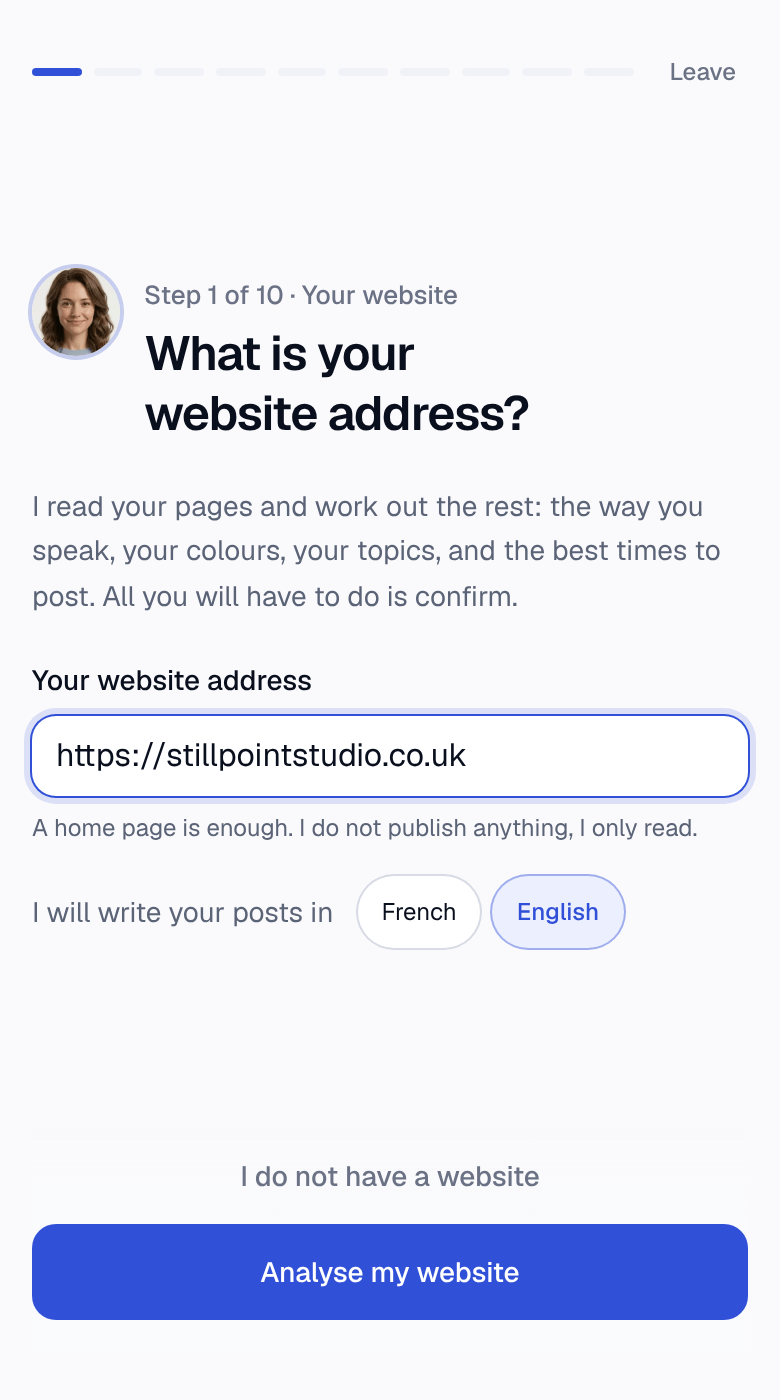
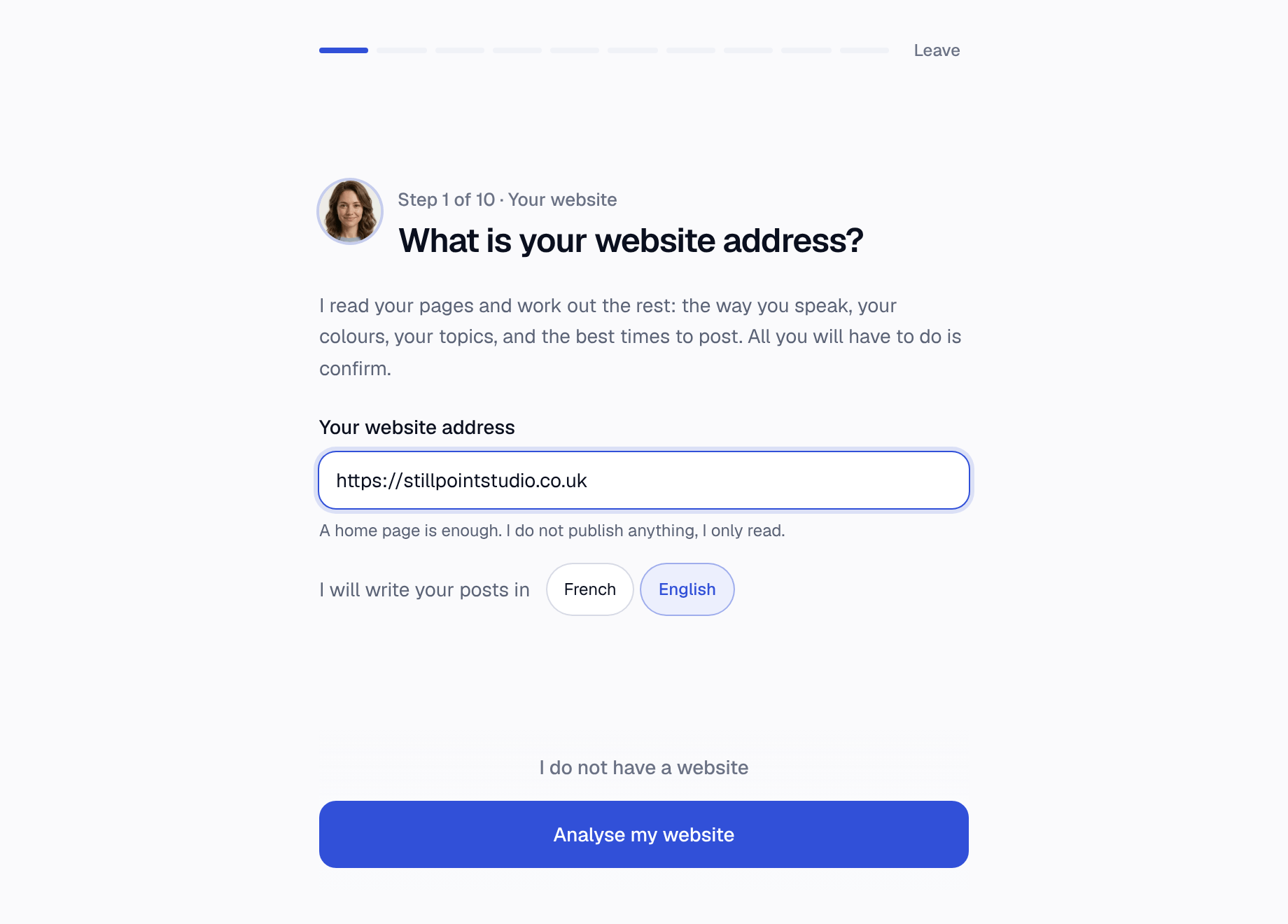
Hanny starts with your website address, reads it, and offers you everything else already filled in: the way you talk, your topics, your colours, your posting times. You confirm or you correct. Fifteen minutes, just once.
The calendar
The month is mapped out before a line is written.
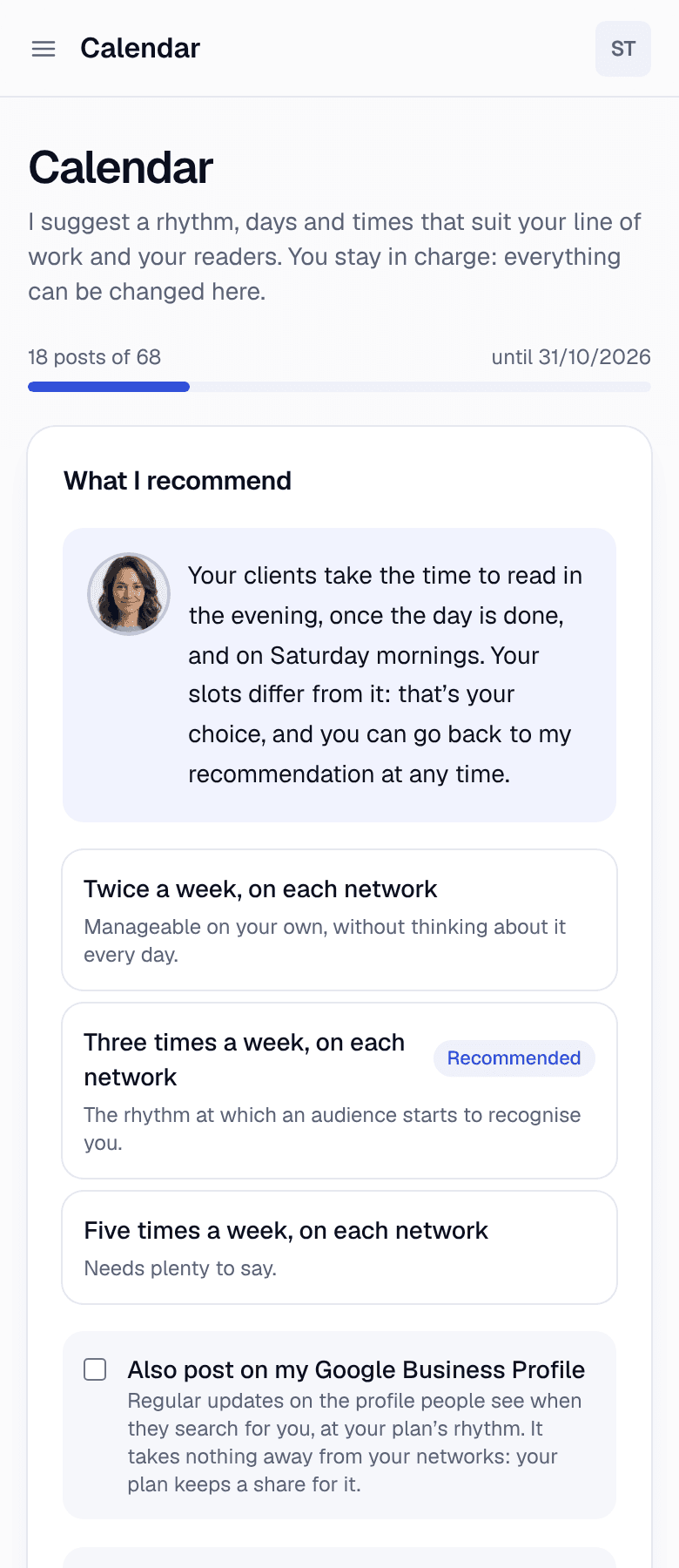
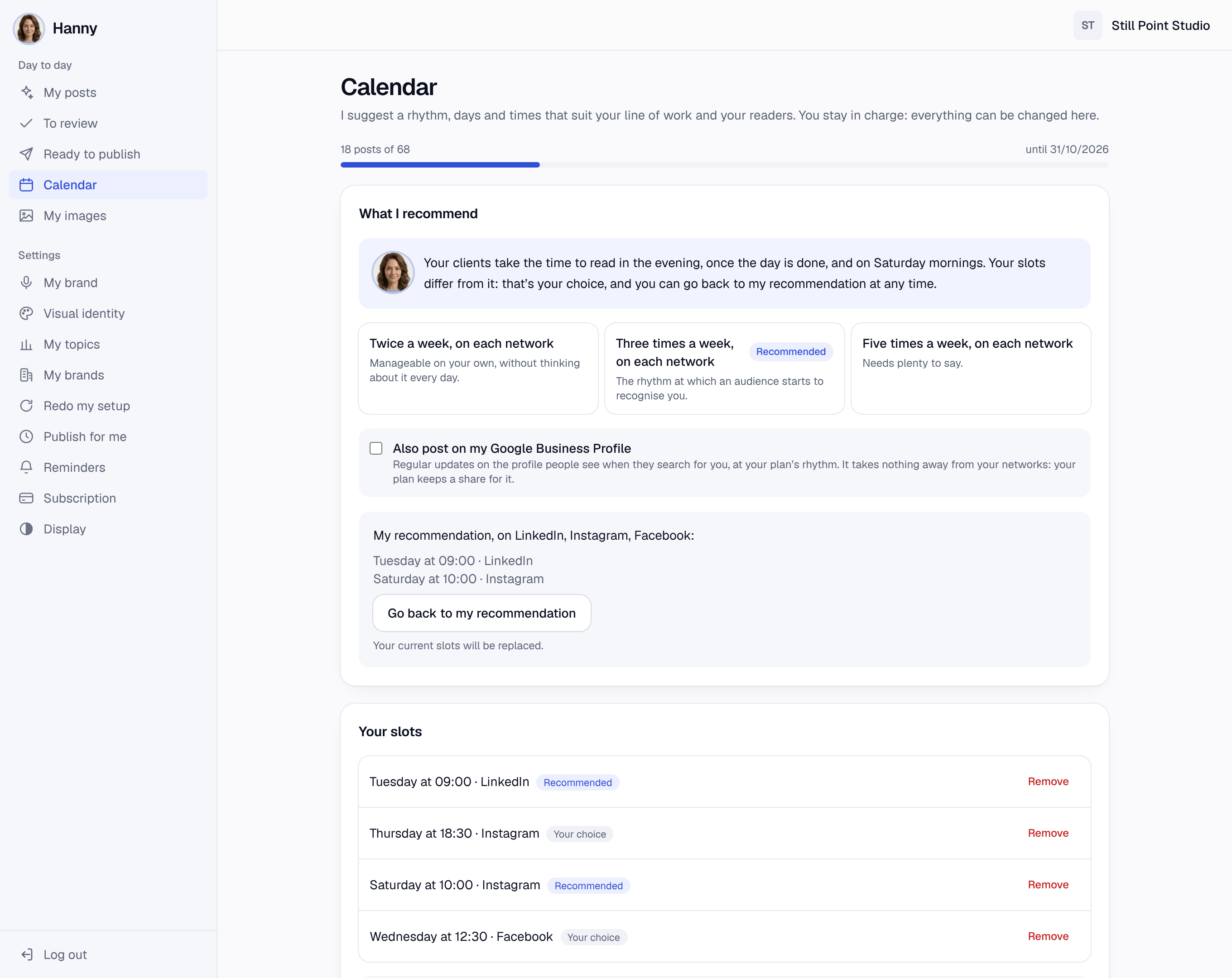
You say which days and at what time you post, on which networks, and what matters this month: a workshop, a closure, a launch. Hanny builds the structure of the month, which you can correct before anything is set in motion.
The posts
The text, hashtags and visual, ready to paste.
Each post arrives complete: its text in the first person, its set of hashtags to copy in one go, and its visual at the network’s dimensions. You can turn it into a carousel with one click, or regenerate the lot.
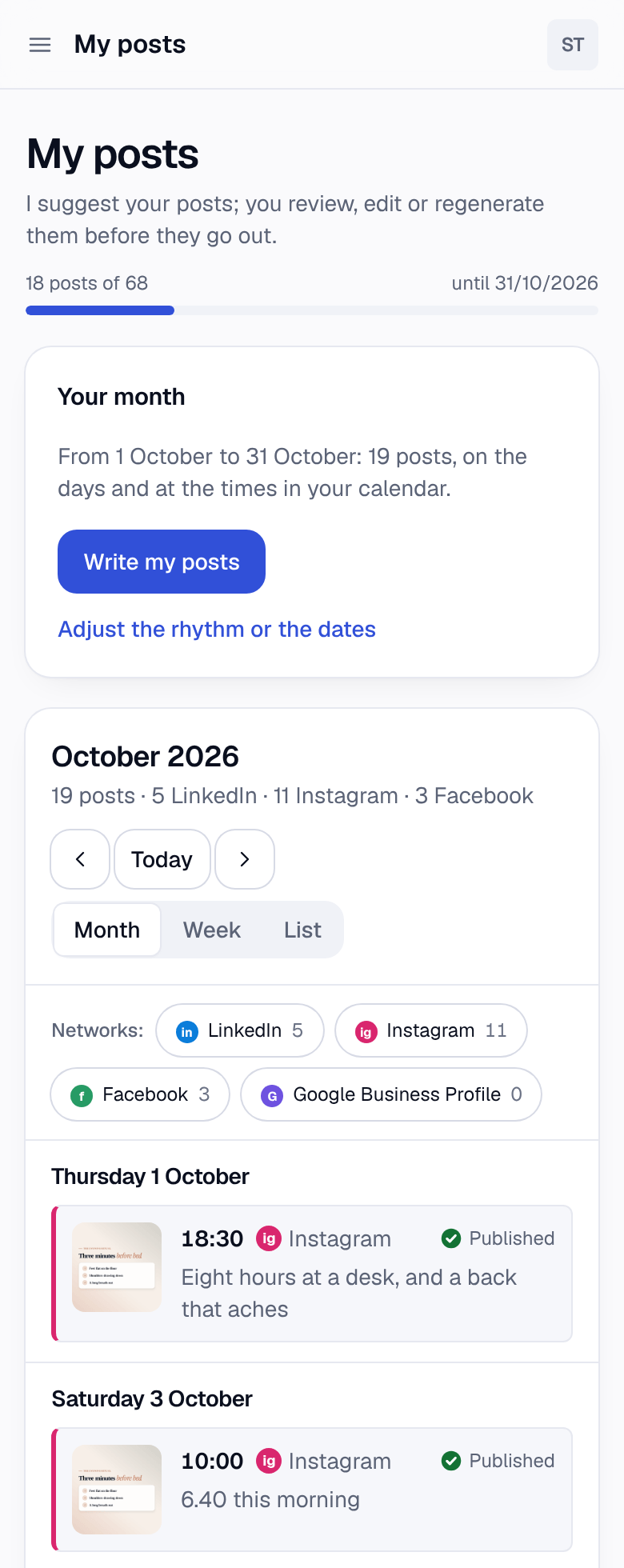
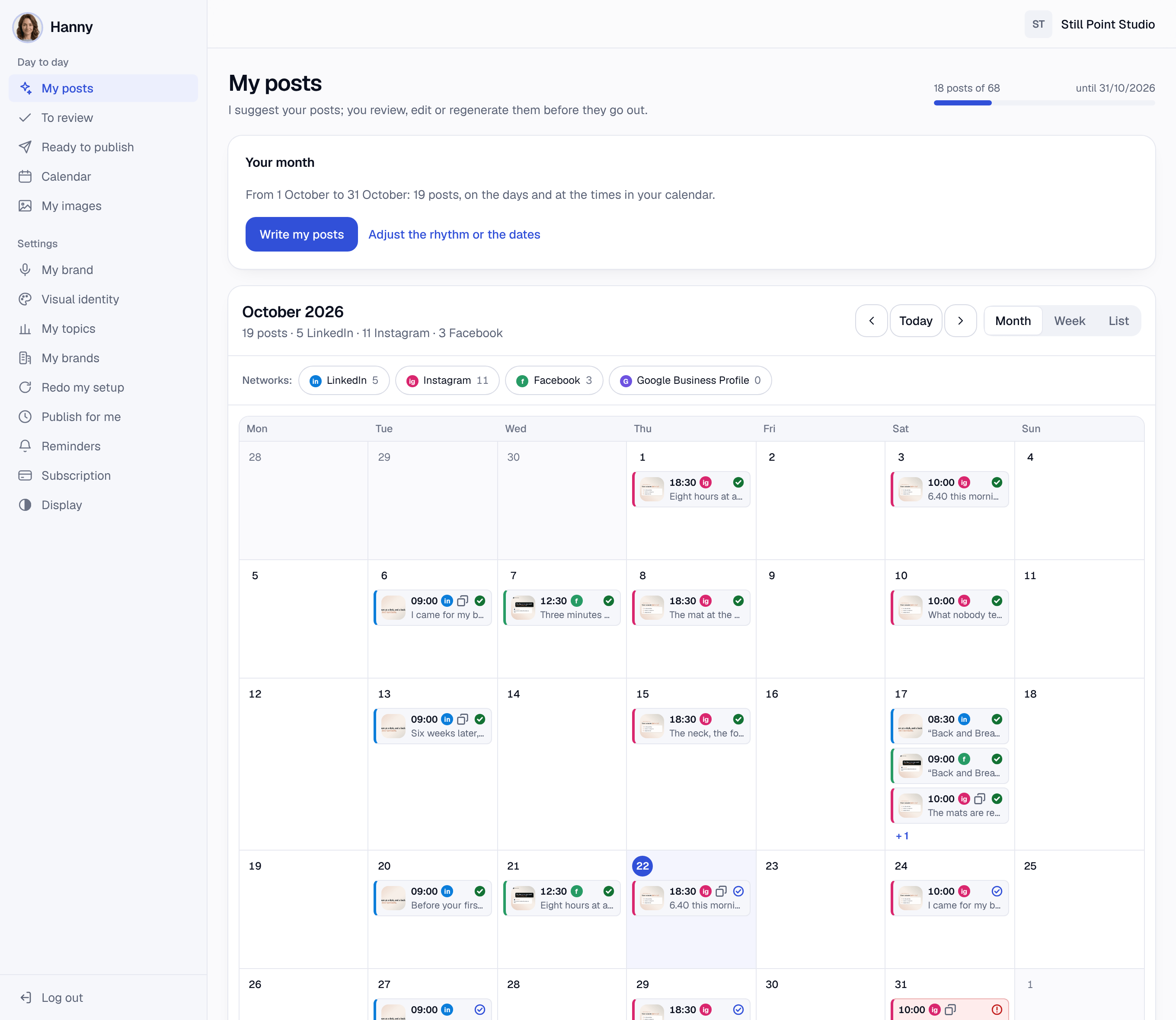
The review
You stay in control right to the end.
Fix a word, change the photo, try another layout, approve everything at once. Along the way, Hanny measures how much you edit: if she writes badly, it shows in figures, not impressions.
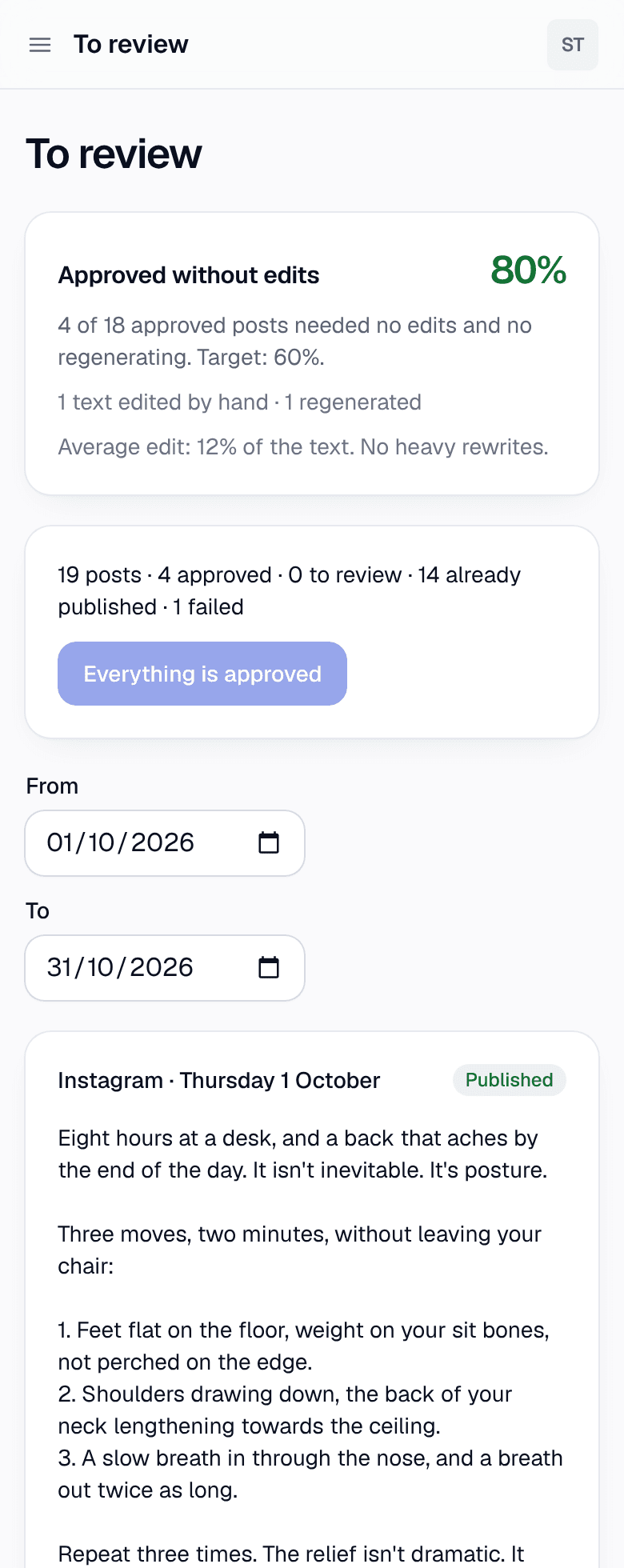
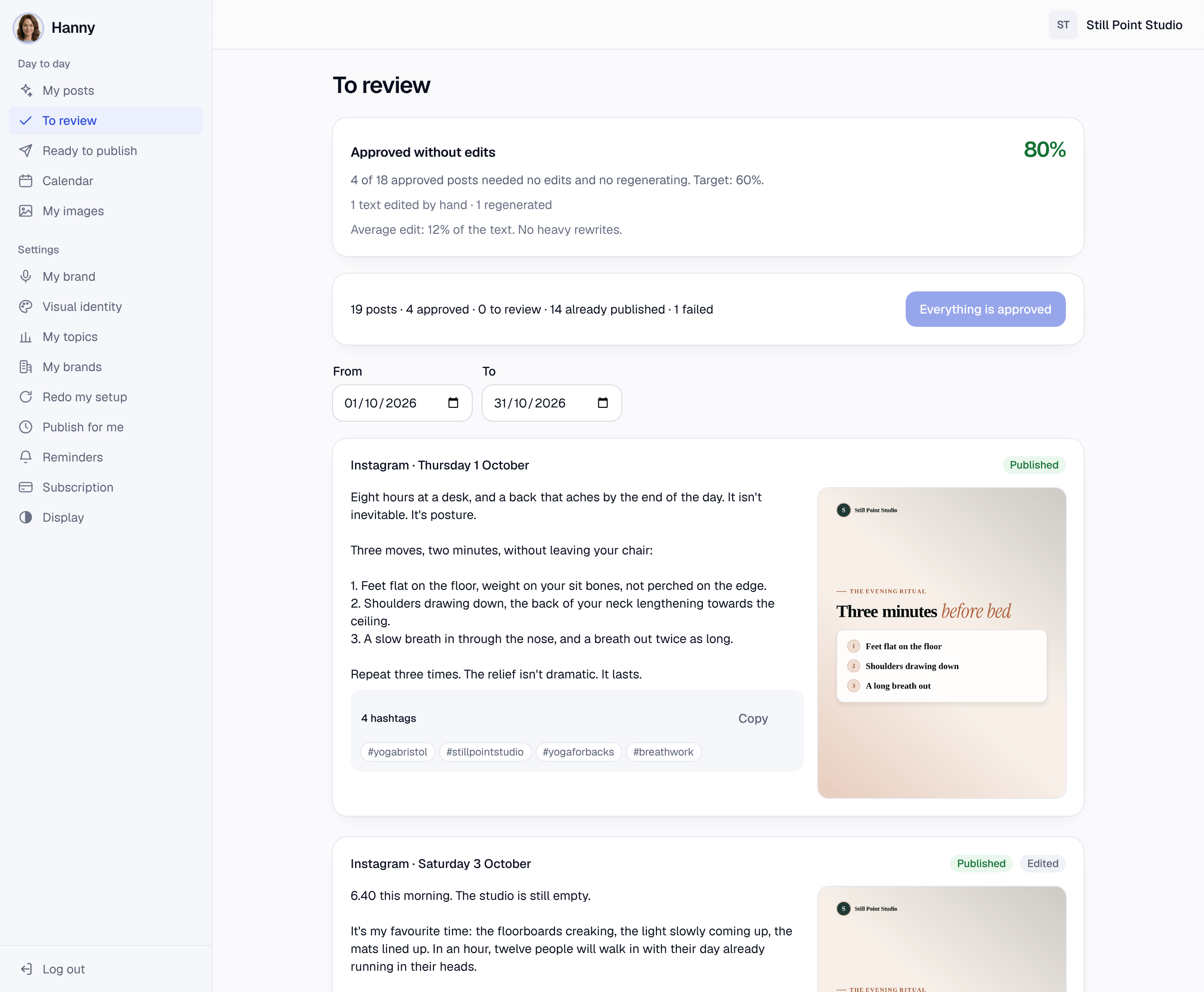
Carousels, for when a topic won’t fit in one image.
A method where order matters, a comparison, a case worked through: Hanny turns it into five to nine slides you swipe through. They download as images for Instagram, or as a single PDF document for LinkedIn.


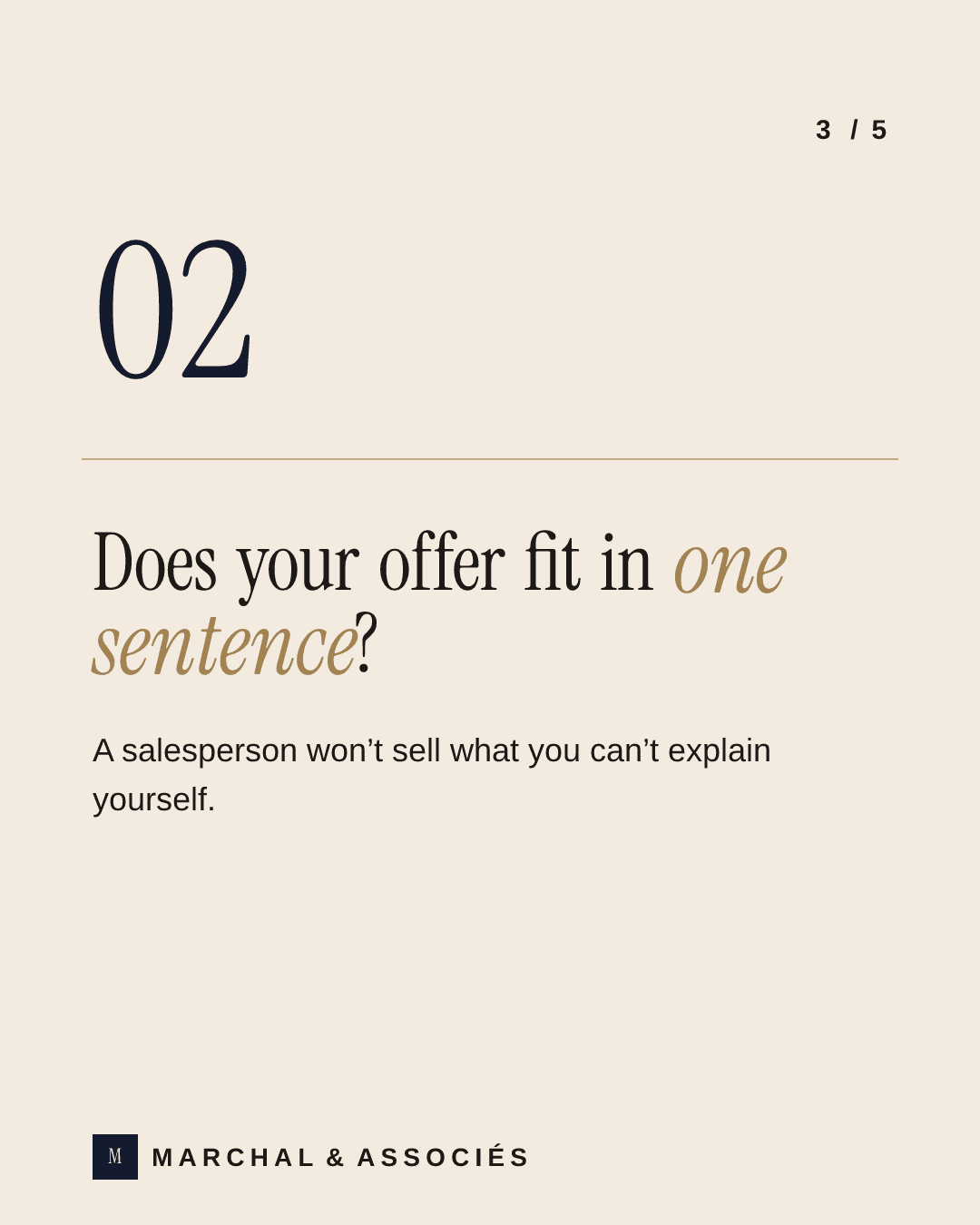


“Hiring a sales director won’t fix everything”, a carousel by Marchal & Associés, an example brand. Swipe to flick through it.
What Hanny doesn’t do.
Better to read it here than find out after you’ve paid.
She publishes nothing without your say-so
She doesn’t reply to comments
She doesn’t cover every network
She doesn’t measure your performance
The simplest thing is to try it.
5 free posts, no credit card and no time limit. The trial ends when Hanny has written the 5th, whether you’ve published it or not.
Create my account